
Practical overview
Shopify is excellent at taking orders — but when it comes to fulfillment, the default admin leaves a lot to be desired. There is no real packing slip designer, no bulk fulfillment tool and no branded order-tracking page. Most merchants end up paying for three to five separate apps just to cover the basics.
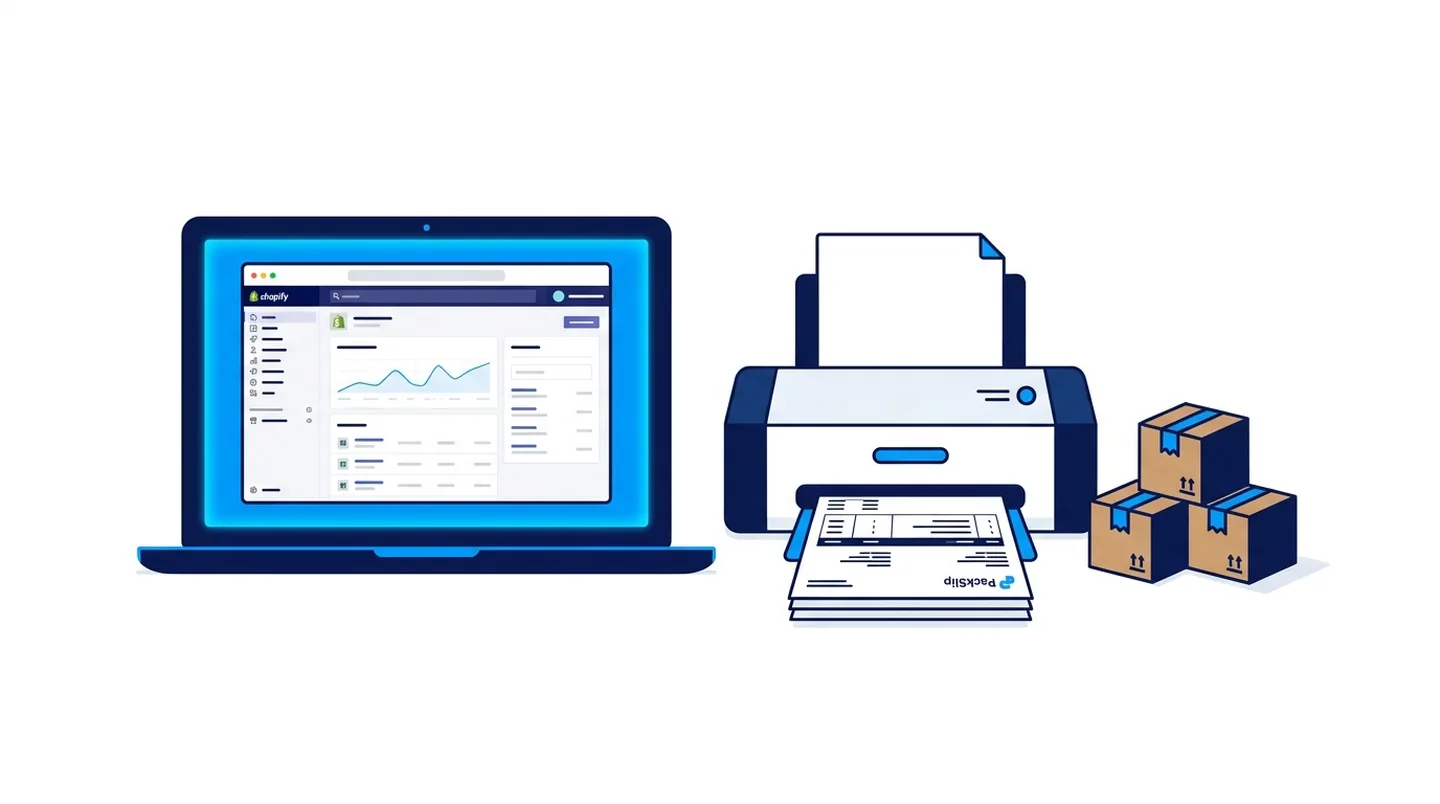
This guide walks through exactly how to print packing slips on Shopify, fulfill orders in bulk and send automated shipping notifications — without paying a penny — using PackSlip, a free 34-module Shopify app.
Does Shopify have a built-in packing slip feature?
Technically yes. Shopify lets you print a basic order summary from the order detail page. But it is a plain, unbranded document with no logo, no custom fields and no way to print multiple orders at once. For any serious fulfillment operation, it falls short almost immediately.
If you ship more than a handful of orders a day, you need a dedicated Shopify packing slip app — one that puts your logo and brand colours on every slip, supports custom fields like gift messages, SKUs and barcodes, and lets you bulk-print dozens or hundreds of orders into a single PDF.
The problem with most Shopify fulfillment apps
Search the Shopify App Store for packing slips and you will find dozens of options — most charging $10 to $20 per month, per feature. Add bulk fulfillment, branded tracking and WhatsApp order alerts and you are easily spending $50 or more every month across several separate apps, each with its own dashboard and login.
This is exactly the gap PackSlip was built to close. Instead of stacking single-purpose paid apps, it bundles the entire post-purchase workflow into one free app that lives inside your Shopify admin.
What is PackSlip?
PackSlip is a free Shopify app that bundles 34 fulfillment and post-purchase modules into a single clean dashboard inside your Shopify admin. No extra logins, no separate subscriptions and no credit card required — ever.
The core modules include branded packing slips, bulk fulfillment via CSV, a branded order-tracking page on your own domain, automated WhatsApp and email shipping alerts, 3PL-ready CSV and XLSX order exports, and storefront tools such as product reviews, abandoned-cart recovery, back-in-stock alerts and trust badges. All 34 modules are completely free, with no usage limits or premium tier.
PackSlip is built and maintained by ARS Developer Ltd, a UK-registered software company (Co. No. 17039150) based in Stoke-on-Trent. It connects to Shopify through the official Shopify API only, does not sell data and is fully GDPR ready. You can install it from packslip.arsdeveloper.co.uk.
How to print packing slips on Shopify with PackSlip
Step 1 — Install PackSlip free. Visit packslip.arsdeveloper.co.uk and click Install Free on Shopify. You are taken to the Shopify App Store to confirm. No credit card is requested at any stage.
Step 2 — Open your dashboard. Once installed, PackSlip appears directly inside your Shopify admin and all 34 modules unlock immediately — no trial, no paywall and no feature gating.
Step 3 — Set up your template. Open the Packing Slips module, upload your logo, set your brand colour and choose which fields to show: product name, SKU, quantity, gift note, barcode and more. The template is saved and applied to every future print job automatically.
Step 4 — Print single or bulk orders. For one order, open it and click the PackSlip action to download a branded PDF. To print in bulk, select multiple orders, open the bulk print view and download a single combined PDF of every slip — no page limits, no order caps.
Bulk fulfillment — fulfill hundreds of orders in one click
If your courier or 3PL returns tracking numbers in a spreadsheet, PackSlip's bulk fulfillment module removes hours of manual copy-and-paste every day.
Export your pending orders from Shopify as a CSV, add the tracking numbers from your courier, then upload the completed CSV into PackSlip. It marks every order as fulfilled in Shopify and triggers the shipping-notification email to each customer automatically. For dropshipping and print-on-demand stores processing 50 to 500 orders a day, this single module alone is worth the install.
Branded order tracking and WhatsApp alerts
The default Shopify notification sends customers to a generic courier website. PackSlip replaces that with a fully branded tracking page on your own domain — a visual progress bar, a live event timeline, your logo and a recommended-products section — so customers stay on your store, not a courier site.
On top of that, PackSlip sends automated WhatsApp and email messages at every stage: order confirmed, shipment dispatched with a tracking link, and delivery confirmed. For merchants serving customers who prefer WhatsApp, this dramatically reduces the volume of where-is-my-order support tickets.
What does PackSlip cost compared with buying apps separately?
PackSlip is completely free. All 34 modules are available with no usage limits, no order caps and no premium tier.
Bought separately, the same functionality is expensive: packing-slip printing is around $10/month, branded order tracking around $12/month, a bulk fulfillment tool around $15/month and WhatsApp or email alerts around $19/month — roughly $56 every month across four different apps. With PackSlip the total is $0.
It suits dropshipping stores handling bulk tracking CSVs, print-on-demand brands shipping internationally, fashion and lifestyle brands that want on-brand slips, and any growing Shopify store currently paying for several apps to do what one free app handles.
Practical checklist
Install PackSlip free from packslip.arsdeveloper.co.uk — no credit card needed.
Upload your logo and brand colour in the Packing Slips module once.
Use bulk print to export every order's slip into a single PDF.
Upload a tracking-number CSV to bulk-fulfill and notify customers automatically.
Enable branded tracking and WhatsApp alerts to cut where-is-my-order tickets.
How to turn this into a real project decision
Start by writing the business problem in one line. For example: the website is slow, the Shopify product page is confusing, the WordPress site does not generate quality leads, or the Laravel dashboard cannot support the workflow anymore. A clear problem statement makes the technical decision easier.
Next, separate the requirement into user experience, backend logic, SEO, speed, integrations and content. This prevents the common mistake of redesigning a page when the real issue is data structure, plugin conflict, weak copy, poor mobile UX or missing automation.
For Dubai, UAE and international clients, the strongest web solution is usually the one that improves trust, reduces manual work, loads fast on mobile and gives visitors a clear reason to contact the business. That is the standard I use when planning Laravel, WordPress, Shopify, ecommerce, dashboard and SEO-focused work.
FAQs
How do I print packing slips on Shopify for free?
Install PackSlip free from the Shopify App Store, open the Packing Slips module, upload your logo and brand colour, then print single orders or select multiple orders and download one combined PDF. There is no cost and no order limit.
Does PackSlip work with my Shopify theme?
Yes. PackSlip runs inside your Shopify admin and does not touch your theme. Its storefront features — tracking page, trust badges, reviews — install on any theme in one click without code changes.
Is there a limit on packing slips or orders?
No. There are no order limits, usage caps or tiered restrictions on any of the 34 modules. Print and fulfill as many orders as your store needs.
Which Shopify plans does PackSlip support?
All Shopify plans — Basic, Shopify, Advanced and Shopify Plus. Installation and every feature are available regardless of your plan.
Do I need to enter card details to install PackSlip?
No. PackSlip is free to install and free to use indefinitely. No credit card is requested during installation or use.
Can PackSlip handle bulk tracking-number uploads from my courier?
Yes. Upload a CSV of order numbers and tracking numbers and PackSlip fulfills every order in Shopify and notifies each customer automatically in one action.
Ready to discuss this?
Send your website URL, platform, issue and goal — I'll reply with a practical direction within 4 hours. Free 20-min discovery call available.
Message on WhatsApp — Free 20-min callRelated service
Looking for hands-on help with this?
Shopify Developer DubaiRelated services
Need help applying this to your project?

Anas Tanveer
Full-Stack Developer in Dubai with 7+ years in Laravel, WordPress, Shopify, business dashboards, APIs, and SEO-ready web systems.
View profile