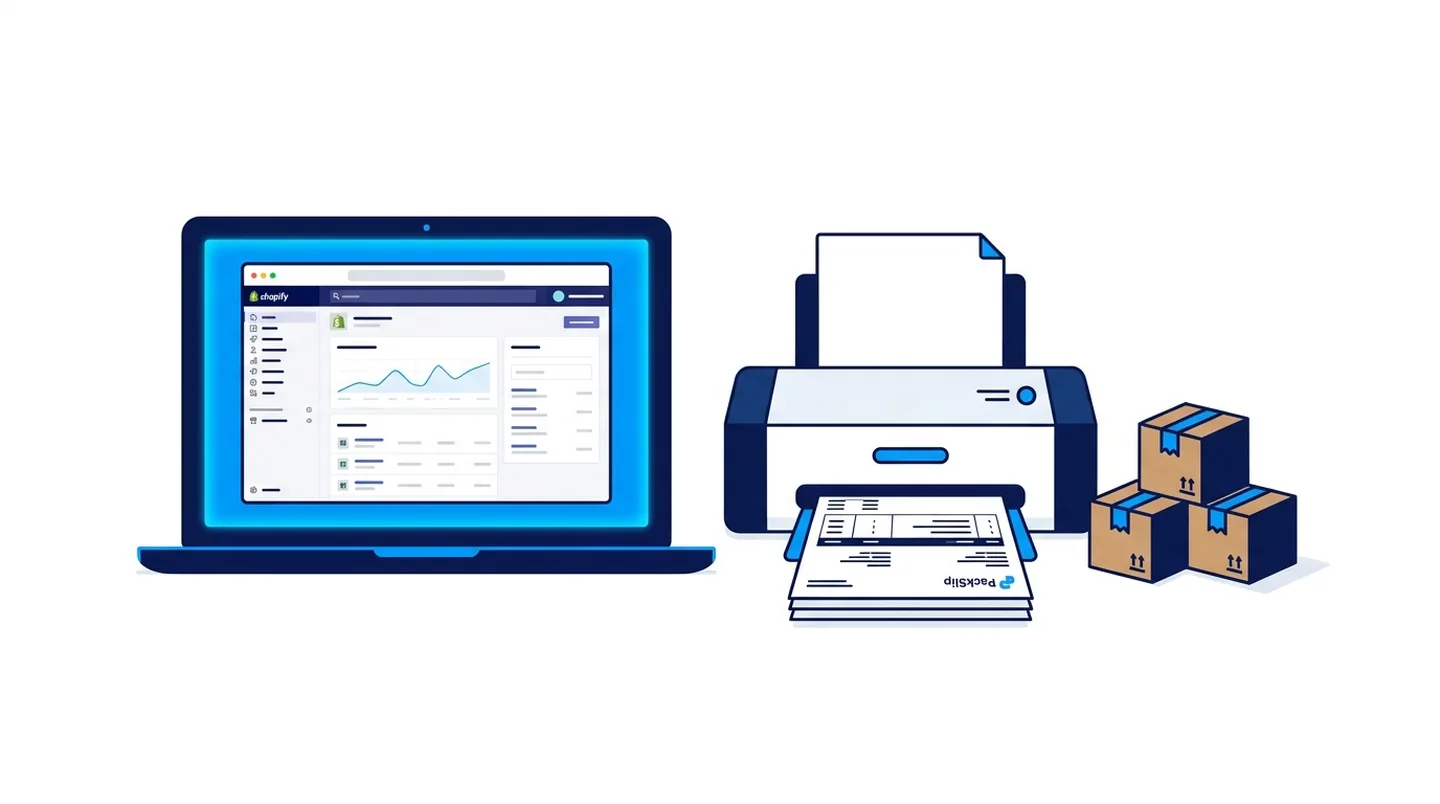

Practical overview
A custom Shopify theme can significantly improve conversion rates and brand differentiation.
Here is how to evaluate whether the investment is right for your store.
Premium theme vs custom theme: the real decision
A premium Shopify theme costs between $200 and $400 and can be customised through the editor. A custom theme starts at $2,000 and gives you full control over layout, animations, checkout flow and performance. The right choice depends on whether your brand differentiation drives sales.
If your store sells commoditised products, a premium theme is sufficient. If your brand positioning is the primary reason customers choose you over competitors, a custom theme built to your exact visual standards is a revenue investment, not just a design expense.
What custom Shopify development involves
Custom Shopify theme development uses Liquid, Shopify's templating language, combined with JavaScript and CSS. A developer builds sections, blocks and templates that match your design system exactly and integrates your required apps cleanly without performance conflicts.
The development process typically takes three to six weeks depending on complexity. A good developer will test Core Web Vitals, mobile performance and checkout conversion flow before handover.
Choosing the right Shopify developer
Look for a developer with Liquid experience and a portfolio of live Shopify stores, not just mockups. Ask about their process for app integration, metafield management and post-launch support.
Anas Tanveer at anastanveer.com builds custom Shopify themes and handles store migrations, app integrations and conversion optimisation for clients across Dubai and the UAE. UK stores can contact ARS Developer at arsdeveloper.co.uk.
Liquid templating and what your developer must know
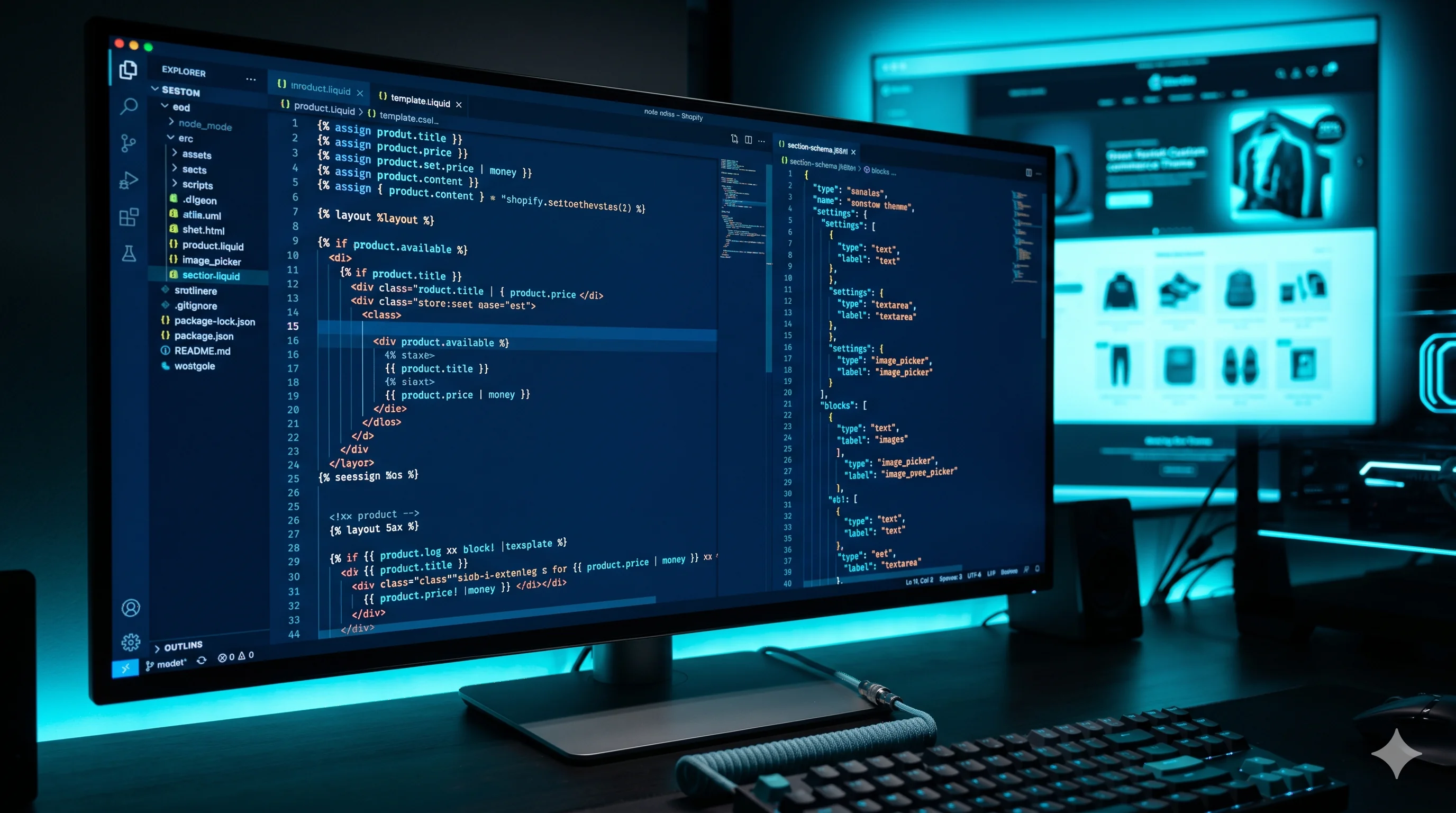
Shopify themes are built with Liquid, a templating language created by Shopify that controls how data from the store is rendered in HTML. A developer who understands Liquid deeply can build sections with flexible block systems, render conditional logic cleanly, handle product metafields without apps and write templates that load efficiently without server-side performance problems.
The Shopify 2.0 architecture introduced a JSON-based section schema that allows merchants to customise content in the theme editor without touching code. A developer building a custom theme in 2025 should understand how to create schema blocks, restrict section settings to relevant templates, use metafield definitions for structured product data and build reusable snippets that follow the platform's conventions. Developers who skip this architecture produce themes that are difficult for store owners to manage and expensive to extend.
App conflicts and performance testing
Shopify apps inject JavaScript, CSS and tracking pixels into the storefront. A store with ten apps can have three to five seconds of additional load time caused entirely by third-party scripts loading on every page. A skilled Shopify developer tests the full app-installed storefront, not just a clean theme build.
Before handover, the developer should run a PageSpeed Insights test with all apps active, identify which apps are adding render-blocking scripts and either configure them for async loading or recommend removal if they are not essential. Core Web Vitals pass rates on mobile correlate directly with conversion rates on Shopify stores. An optimised Shopify theme that fails Core Web Vitals because of an unoptimised review app or live chat widget has not been properly delivered.
Practical checklist
Verify the developer has live Shopify stores in their portfolio.
Ask how they handle metafields and custom data in themes.
Confirm they will test Core Web Vitals before handover.
Agree on an app integration audit as part of the project scope.
Establish post-launch support terms in writing.
How to turn this into a real project decision
Start by writing the business problem in one line. For example: the website is slow, the Shopify product page is confusing, the WordPress site does not generate quality leads, or the Laravel dashboard cannot support the workflow anymore. A clear problem statement makes the technical decision easier.
Next, separate the requirement into user experience, backend logic, SEO, speed, integrations and content. This prevents the common mistake of redesigning a page when the real issue is data structure, plugin conflict, weak copy, poor mobile UX or missing automation.
For Dubai, UAE and international clients, the strongest web solution is usually the one that improves trust, reduces manual work, loads fast on mobile and gives visitors a clear reason to contact the business. That is the standard I use when planning Laravel, WordPress, Shopify, ecommerce, dashboard and SEO-focused work.
FAQs
How much does a custom Shopify theme cost?
Custom Shopify themes start at around $2,000 for a simple store and increase to $8,000 or more for complex stores with custom sections and app integrations.
How long does custom Shopify theme development take?
A standard custom theme takes three to six weeks. Complex themes with animations and multiple templates take six to ten weeks.
Can I edit a custom theme myself after launch?
Yes. A well-built custom theme uses Shopify's section and block system so store owners can manage content through the editor without touching code.
Ready to discuss this?
Send your website URL, platform, issue and goal — I'll reply with a practical direction within 4 hours. Free 20-min discovery call available.
Message on WhatsApp — Free 20-min callRelated service
Looking for hands-on help with this?
Shopify Developer DubaiRelated services
Need help applying this to your project?

Anas Tanveer
Full-Stack Developer in Dubai with 7+ years in Laravel, WordPress, Shopify, business dashboards, APIs, and SEO-ready web systems.
View profile