
Practical overview
Most businesses outgrow generic tools before they realize it. Spreadsheets become unmanageable, SaaS platforms lack the exact fields needed and off-the-shelf dashboards show everything except what the team actually needs to see every day.
Custom Laravel dashboard development solves this by building a system shaped around the real workflow — not around what the tool allows.
The problem with generic tools for specific workflows
SaaS dashboards work well when the workflow matches their template. They become expensive, limited and frustrating when the business needs custom fields, specific role permissions, combined data sources, custom reports or integrations that the tool does not support.
Custom dashboard development with Laravel means the system is built exactly around how the business operates — not around what the tool allows. The result is usually faster for daily users, cheaper over time and fully owned by the business.
What custom dashboards can solve
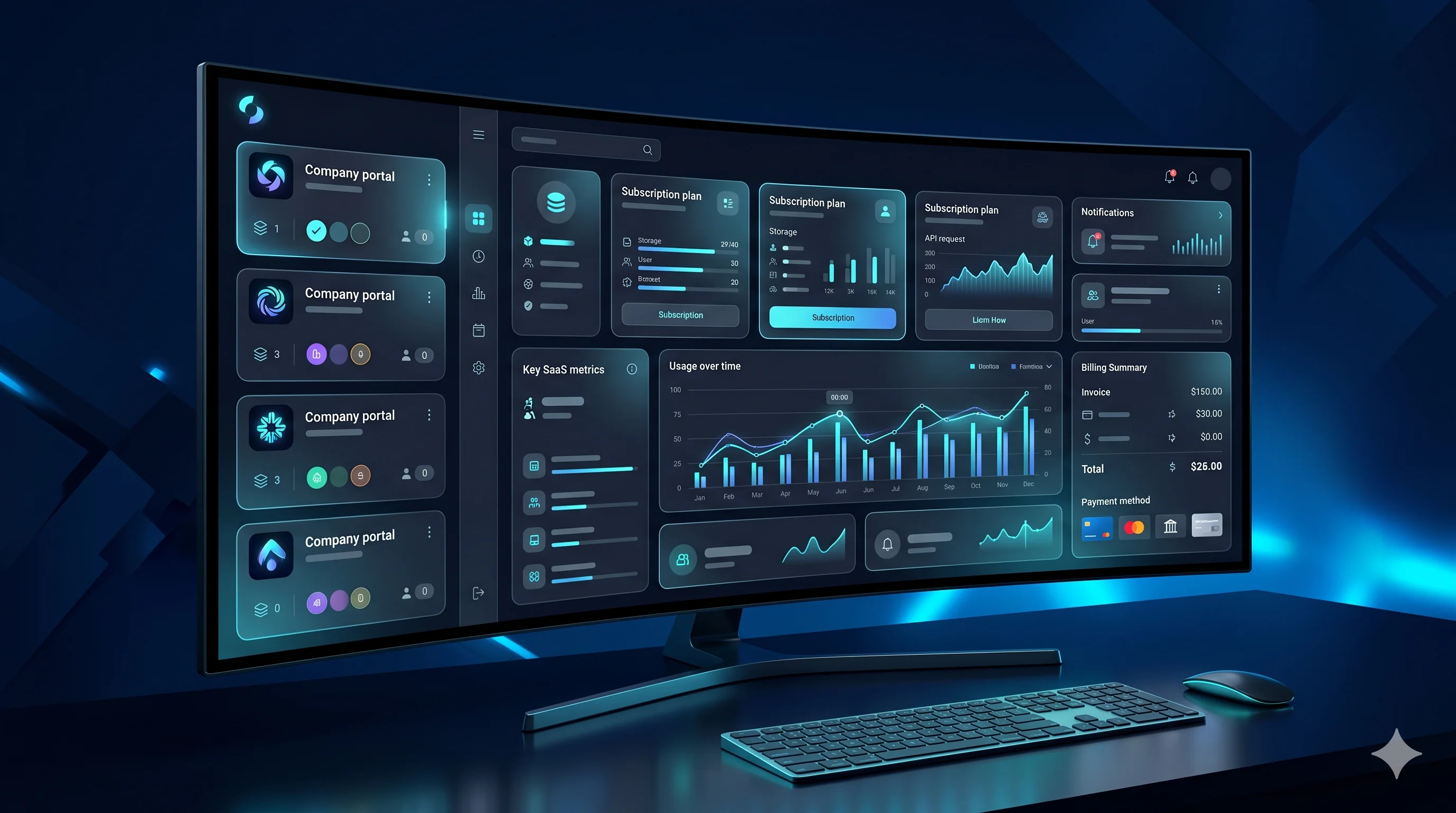
Order tracking for ecommerce operations, staff performance reports, client portal access, ERP-style inventory or job management, trading account summaries, CRM pipelines, financial reporting and multi-location operations are common use cases where custom dashboards provide better results than SaaS alternatives.
ARS Developer Ltd (arsdeveloper.co.uk) has delivered custom Laravel dashboards for trading firms, ecommerce operations and service businesses in the UK. TorontoBytes (torontobytes.ca) provides the same capability for Canadian and North American companies needing operational control panels.
How to plan a custom dashboard the right way
Start with the daily decisions: what does the admin need to see every morning? What does a staff member need to update? What reports need to be generated weekly? What does a client need to access without calling support?
From those answers, the correct data structure, user roles, permissions, filters and API connections become much clearer. Development built on real workflow understanding produces systems that people actually use.
Why generic dashboards fail for operational teams
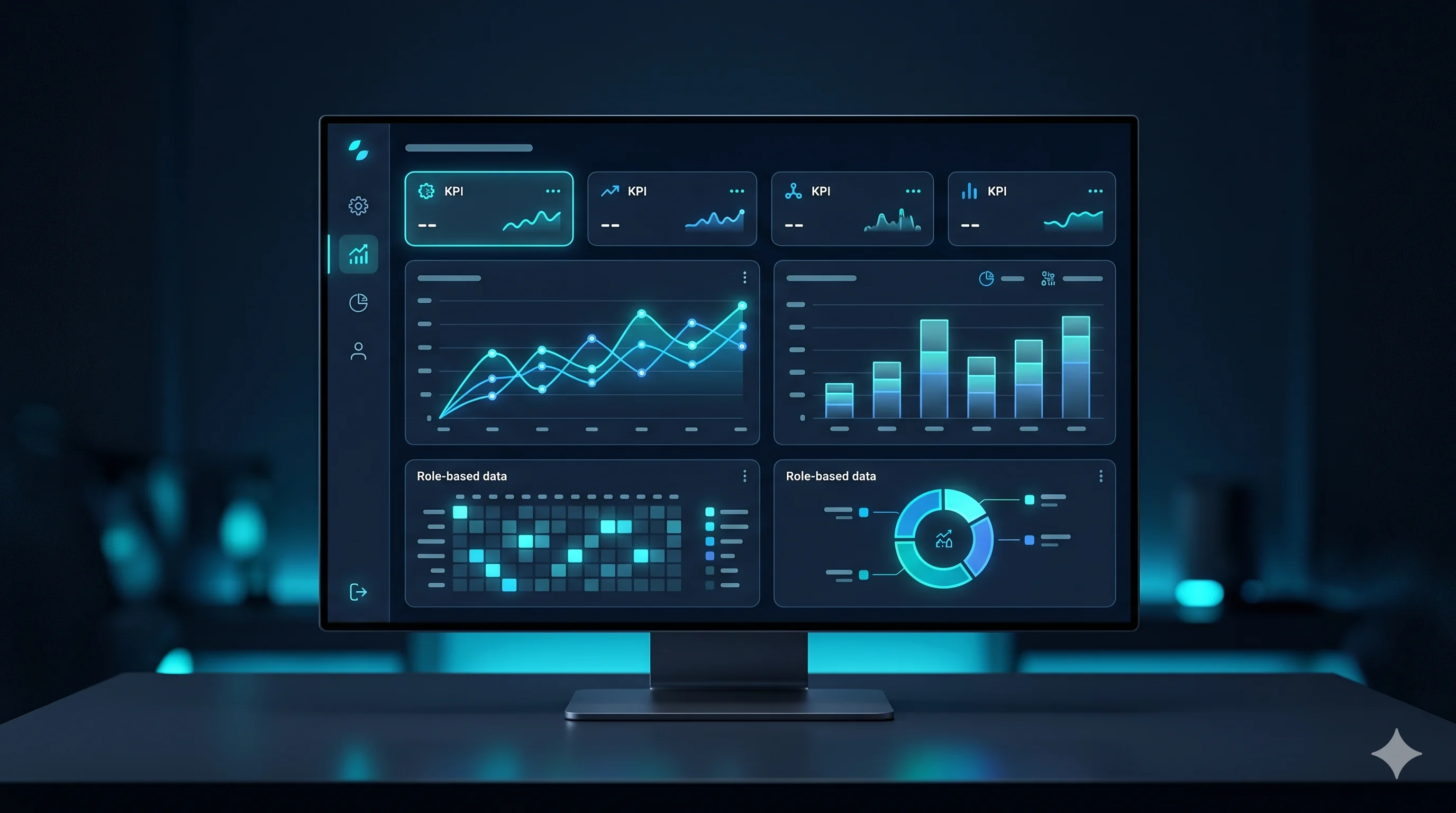
Generic tools are built for the average user. Operational dashboards need to show specific data in a specific order with specific permissions for specific roles. When a sales manager, warehouse team, finance controller and director all need different views of the same data, a generic SaaS dashboard forces compromise.
Custom development removes that compromise. Each user role sees exactly what they need, can take exactly the actions they are responsible for and the data is structured around how the business actually operates.
Real use cases where custom dashboards deliver the strongest ROI
Trading account performance tracking, ecommerce order and return management, property listing and client management, service job scheduling, staff productivity reporting, inventory control with reorder logic, multi-location sales reporting and CRM-style client follow-up are all areas where a custom Laravel dashboard delivers better results than any generic alternative.
ARS Developer Ltd (arsdeveloper.co.uk) has built custom dashboards for trading firms, ecommerce operations and service businesses across the UK. TorontoBytes (torontobytes.ca) delivers the same capability for Canadian enterprises and North American businesses needing operational clarity.
Practical checklist
Start with the daily decisions the dashboard needs to support.
Map every user role and the data they need to see and act on.
Plan database structure and permissions before any UI design.
Identify all integrations needed on day one versus after launch.
Define reporting formats, export needs and notification requirements.
How to turn this into a real project decision
Start by writing the business problem in one line. For example: the website is slow, the Shopify product page is confusing, the WordPress site does not generate quality leads, or the Laravel dashboard cannot support the workflow anymore. A clear problem statement makes the technical decision easier.
Next, separate the requirement into user experience, backend logic, SEO, speed, integrations and content. This prevents the common mistake of redesigning a page when the real issue is data structure, plugin conflict, weak copy, poor mobile UX or missing automation.
For Dubai, UAE and international clients, the strongest web solution is usually the one that improves trust, reduces manual work, loads fast on mobile and gives visitors a clear reason to contact the business. That is the standard I use when planning Laravel, WordPress, Shopify, ecommerce, dashboard and SEO-focused work.
FAQs
How long does custom dashboard development take?
A focused MVP dashboard with core modules and three to five user roles typically takes six to twelve weeks depending on integration complexity, data volume and approval workflow depth.
Is Laravel the right framework for custom dashboards?
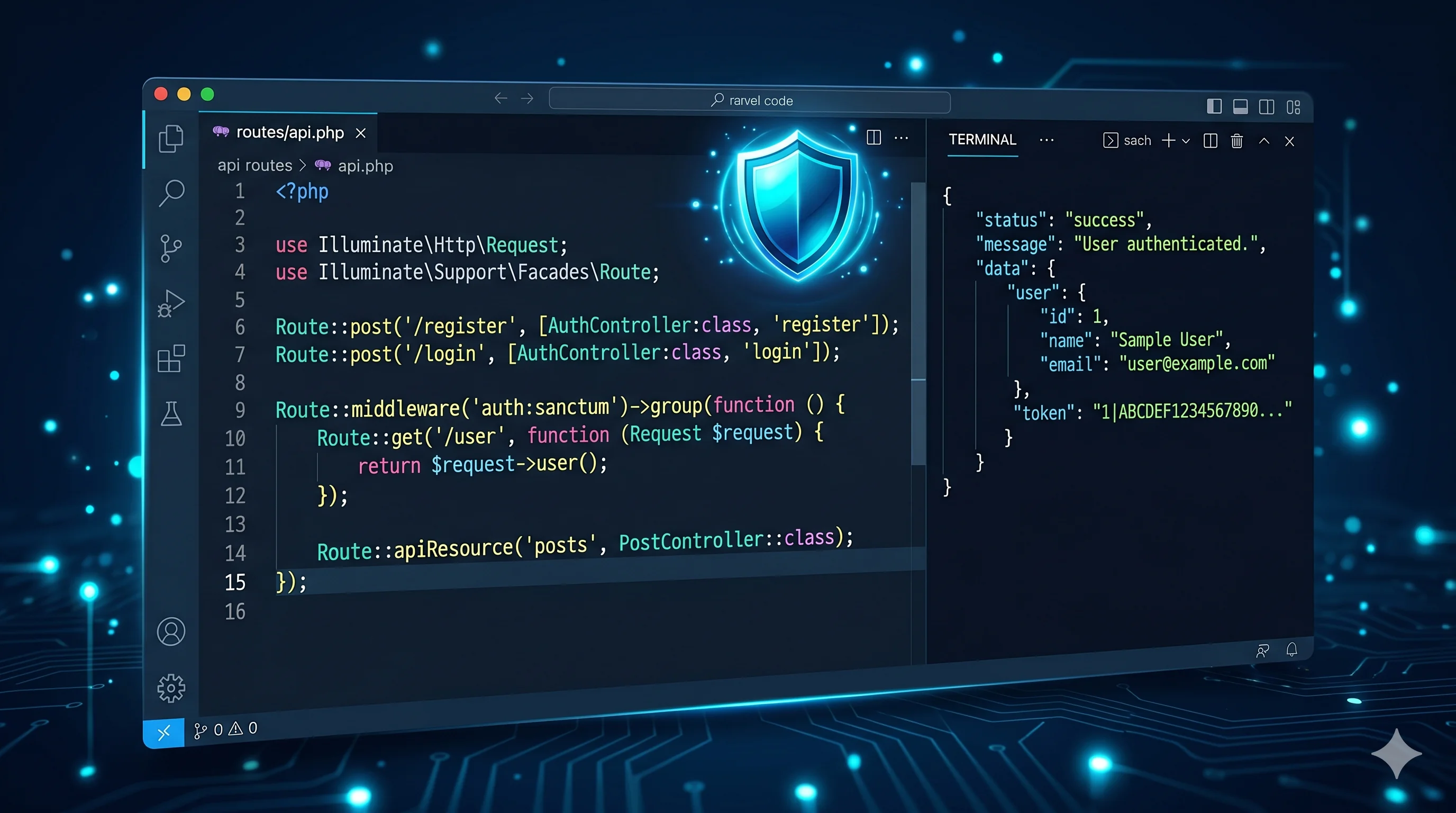
Laravel is an excellent choice for dashboards because of its clean ORM, permission libraries, queue system, API architecture and maintainable code structure. It scales well from small team tools to enterprise-level operational platforms.
Can a custom dashboard replace our current SaaS tools?
Often yes. Custom dashboards built around your specific workflow usually replace two to four generic SaaS subscriptions while giving better performance, security and ownership of the data.
Ready to discuss this?
Send your website URL, platform, issue and goal — I'll reply with a practical direction within 4 hours. Free 20-min discovery call available.
Message on WhatsApp — Free 20-min callRelated service
Looking for hands-on help with this?
Laravel Developer DubaiRelated services
Need help applying this to your project?

Anas Tanveer
Full-Stack Developer in Dubai with 7+ years in Laravel, WordPress, Shopify, business dashboards, APIs, and SEO-ready web systems.
View profile