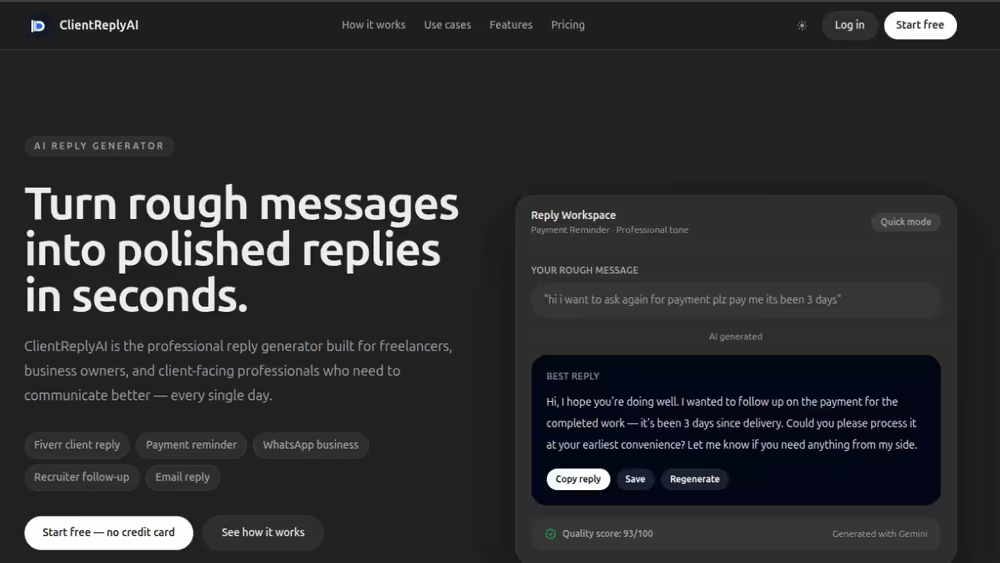

Case Study 04
ERP Operations & Business Workflow System
Business Result
A solution-focused ERP case study showing how business operations can be organized, tracked, and improved through a maintainable web system.
The Requirement
The client needed a practical ERP-style system that could bring operational records, staff activity, reporting, customer information and business visibility into one organized digital workflow instead of relying on scattered manual tracking.
The Challenge
The main issue was not only software design. The business had workflow confusion, repeated data entry, slow reporting, unclear responsibility between users and limited visibility for managers. Any solution had to make daily operations easier while staying scalable enough for future ERP System Development, CRM modules, invoices, inventory, approvals and custom reporting.
The Goal
Turn manual business operations into a cleaner ERP workflow where records, users, reports and actions are easier to control.
Strategy
The project was approached as a problem-solving system, not a basic admin panel. I mapped the operational flow first: what teams need to record, who needs access, which reports matter, where mistakes happen and how managers make decisions. From there, the ERP interface was structured around clarity, permission control, reporting speed and future Laravel expansion.
Solution
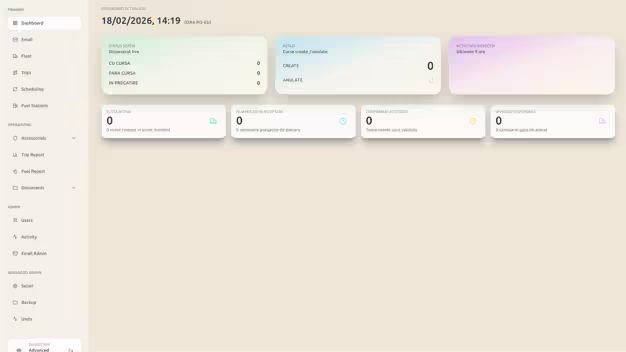
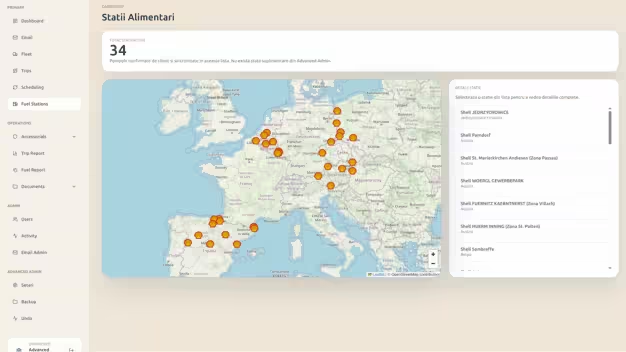
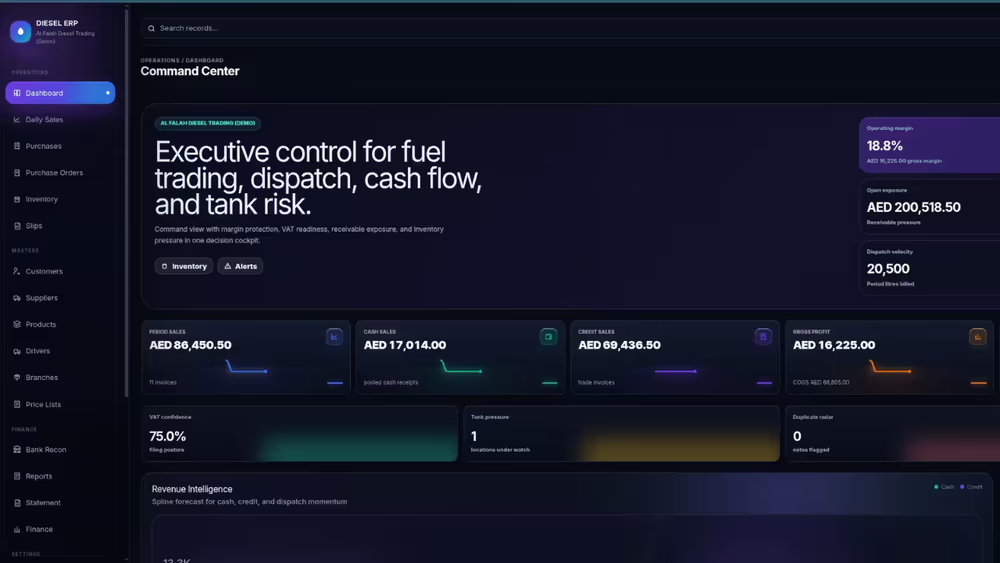
Created an ERP-focused digital workflow with dashboard views, record management, reporting screens, status visibility, admin controls and business-data organization. The direction fits Laravel Developer Dubai and Full Stack Developer UAE requirements where the platform must be reliable, maintainable and useful for daily operations.
Features Delivered
Business Impact
The ERP direction gives the business a stronger operational base: fewer scattered records, faster management visibility, clearer staff workflows and a system that can grow into invoices, inventory, CRM, approvals and API integrations. It presents the work as Custom Web Solutions Dubai with real business value instead of a simple website or static admin screen.
How it was built
Workflow as explicit states, not a status column
Operations software drifts into chaos when status is a free-text field and any value can follow any other. Each record moves through a defined set of states with defined transitions, so an order cannot be marked delivered before it has been dispatched, and the system can answer what is allowed to happen next.
Enforced in the domain layer rather than in the interface, because the same records are touched by imports, scheduled jobs and eventually an API — all of which bypass the screen a rule was written on.
Who changed what, and when
The question an operations system is asked at its worst moment is always the same: who changed this, and when. Every state change records the actor, the timestamp, the previous value and the new one, kept append-only so the history cannot be quietly tidied.
It costs very little to build in from the start and is close to impossible to reconstruct afterwards, which is why it is not treated as a phase-two feature.
Reports that match how the business counts
Most reporting disputes are definitional rather than technical — whether a job counts on the day it was booked or the day it was completed, whether cancelled work stays in the total. Those definitions were settled with the business and written into the queries, so two reports of the same period agree.
Built on the same aggregate approach as the rest of the system: periods that have closed are summarised and read back, so month-end reporting does not slow down as the years accumulate.