
Practical overview
The distinction between a website and a web application determines your budget, timeline and technology choice.
Here is how to decide correctly from the start.
The simple difference
A website presents information. A web application processes it. Your company homepage, service pages and blog are a website. A customer portal, booking system, CRM, admin dashboard or any platform where users log in and interact with data is a web application.
The confusion often comes from the fact that modern businesses need both. You want a marketing website that ranks in search and converts visitors, plus a web application where your clients, staff or partners can actually do work.
When you need a web application
You need a web app when users need accounts, when data must be stored and retrieved per user, when staff need to manage records, when clients need to view their own information, or when any business process needs to run inside a browser interface rather than email or spreadsheets.
Common examples include customer portals, internal ERP modules, booking and scheduling systems, inventory management dashboards, lead management tools and subscription platforms.
Budget and timeline expectations
A marketing website typically takes two to four weeks and costs between $1,500 and $5,000 depending on page count and design complexity. A web application with custom logic, user roles and data management takes six to twelve weeks and starts at $5,000 for a simple MVP.
Anas Tanveer at anastanveer.com builds both marketing websites and custom web applications for businesses in Dubai and the UAE. UK enquiries go to ARS Developer at arsdeveloper.co.uk. Canadian projects are handled by TorontoBytes at torontobytes.ca.
The authentication test
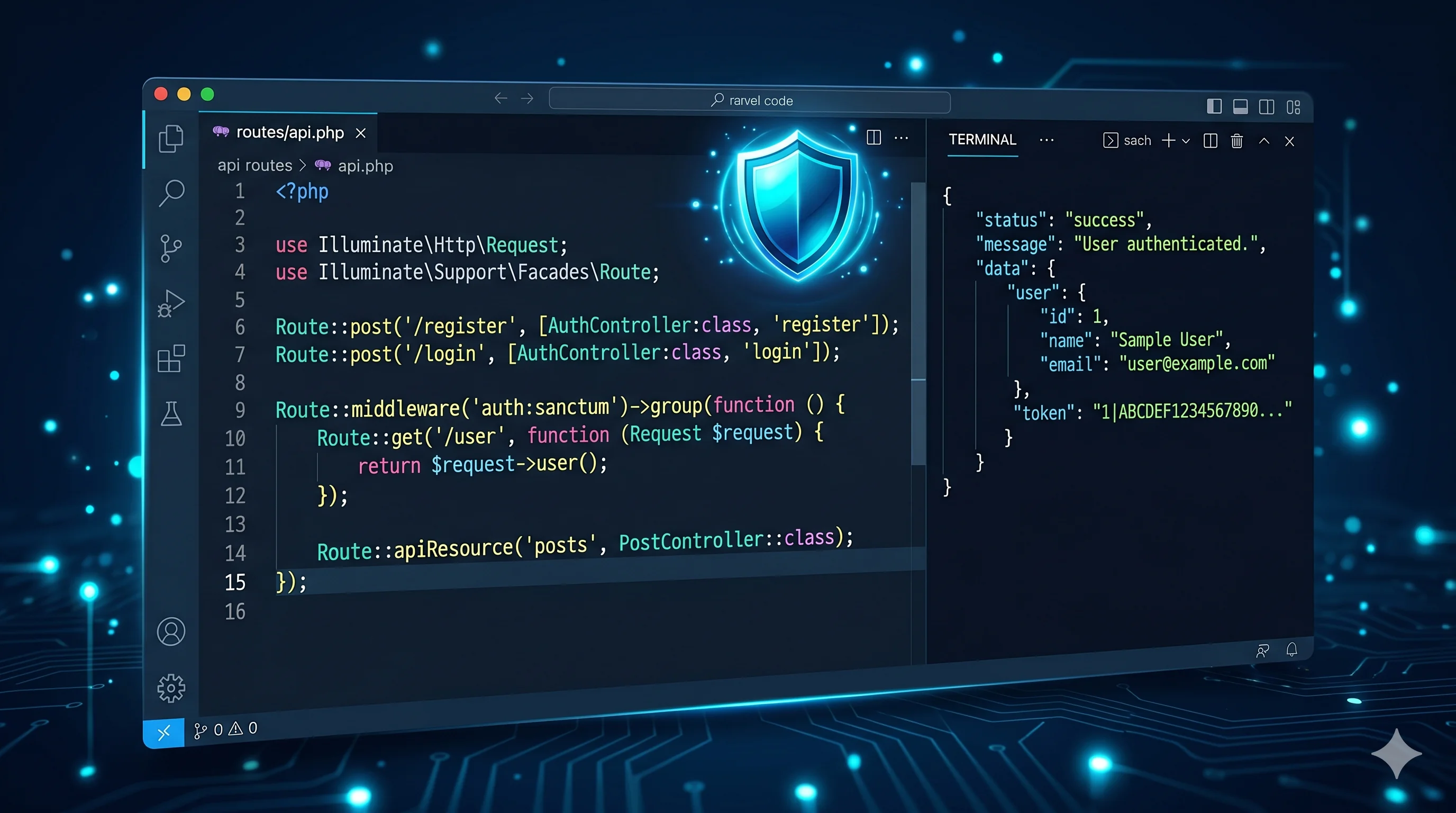
The simplest way to determine whether you need a web application is to ask: does any feature require a user to log in? If yes, you are building a web application. Authentication implies user identity, which implies persistent data, permissions, session management and a backend that stores and retrieves information on behalf of that specific user.
A website presents information to an anonymous visitor. A web application responds differently based on who the visitor is and what they have done before. If your project needs order history, saved preferences, client portals, staff dashboards, CRM records, booking history or any other per-user data, it is a web application regardless of how simple it looks visually. Planning and budgeting for a website when you need an application leads to scope creep, cost overruns and a rebuild within twelve to eighteen months.
Hybrid projects: website plus web app
Many successful business platforms combine both. The public-facing marketing website is a static or server-rendered site optimised for SEO and conversion. Behind a login, clients or staff access a web application with dashboards, forms and data management features. These two layers can share a domain, a design system and a backend, but they have fundamentally different technical requirements.
The most common mistake in hybrid projects is trying to build both layers with the same technology. A WordPress site with WooCommerce and a bolt-on membership plugin is not a viable foundation for a serious client portal. A proper hybrid project uses a headless or decoupled architecture — Next.js or a similar framework for the public layer and Laravel or another backend framework for the application layer. Planning this separation at the start saves significant rebuilding cost later.

Practical checklist
List every feature users need and mark which ones require login or data storage.
Identify whether staff or clients need to interact with the system.
Determine if any business process runs in spreadsheets that should move to a system.
Separate marketing requirements from operational requirements.
Budget for both if your business needs both.
How to turn this into a real project decision
Start by writing the business problem in one line. For example: the website is slow, the Shopify product page is confusing, the WordPress site does not generate quality leads, or the Laravel dashboard cannot support the workflow anymore. A clear problem statement makes the technical decision easier.
Next, separate the requirement into user experience, backend logic, SEO, speed, integrations and content. This prevents the common mistake of redesigning a page when the real issue is data structure, plugin conflict, weak copy, poor mobile UX or missing automation.
For Dubai, UAE and international clients, the strongest web solution is usually the one that improves trust, reduces manual work, loads fast on mobile and gives visitors a clear reason to contact the business. That is the standard I use when planning Laravel, WordPress, Shopify, ecommerce, dashboard and SEO-focused work.
FAQs
Can WordPress handle web application features?
WordPress can handle basic membership features via plugins. It is not suitable for complex business logic, custom workflows or multi-role dashboards.
How much does a web application cost compared to a website?
A standard marketing website costs $1,500 to $5,000. A custom web application starts at $5,000 for an MVP and scales to $20,000 or more for complex platforms.
Can I start with a website and add application features later?
You can, but it is more expensive to retrofit application architecture. If you know you will need application features within 12 months, plan for them now.
Ready to discuss this?
Send your website URL, platform, issue and goal — I'll reply with a practical direction within 4 hours. Free 20-min discovery call available.
Message on WhatsApp — Free 20-min callRelated service
Looking for hands-on help with this?
Full Stack Developer DubaiRelated services
Need help applying this to your project?

Anas Tanveer
Full-Stack Developer in Dubai with 7+ years in Laravel, WordPress, Shopify, business dashboards, APIs, and SEO-ready web systems.
View profile