
Why Dashboards Fail in Planning, Not in Code
When a custom dashboard developer in the UAE gets handed a broken project, the root cause is almost always upstream of engineering. The React components were fine. The Laravel API returned data. The problem was that the dashboard answered questions nobody was asking.
Here are the failure patterns I see over and over:
Vanity over decisions. The screen shows 40 metrics because they were easy to pull, not because any of them change what a manager does next.
No owner per number. When a figure looks wrong, nobody knows who is accountable for the source, so trust collapses and people quietly go back to their spreadsheets.
Mismatched refresh expectations. The finance team assumed live data; the pipeline only ran nightly. Every meeting turned into an argument about whether the number was "today's."
Role blindness. The CEO, the ops lead, and the warehouse supervisor all saw the same cluttered view, so none of them saw their view.
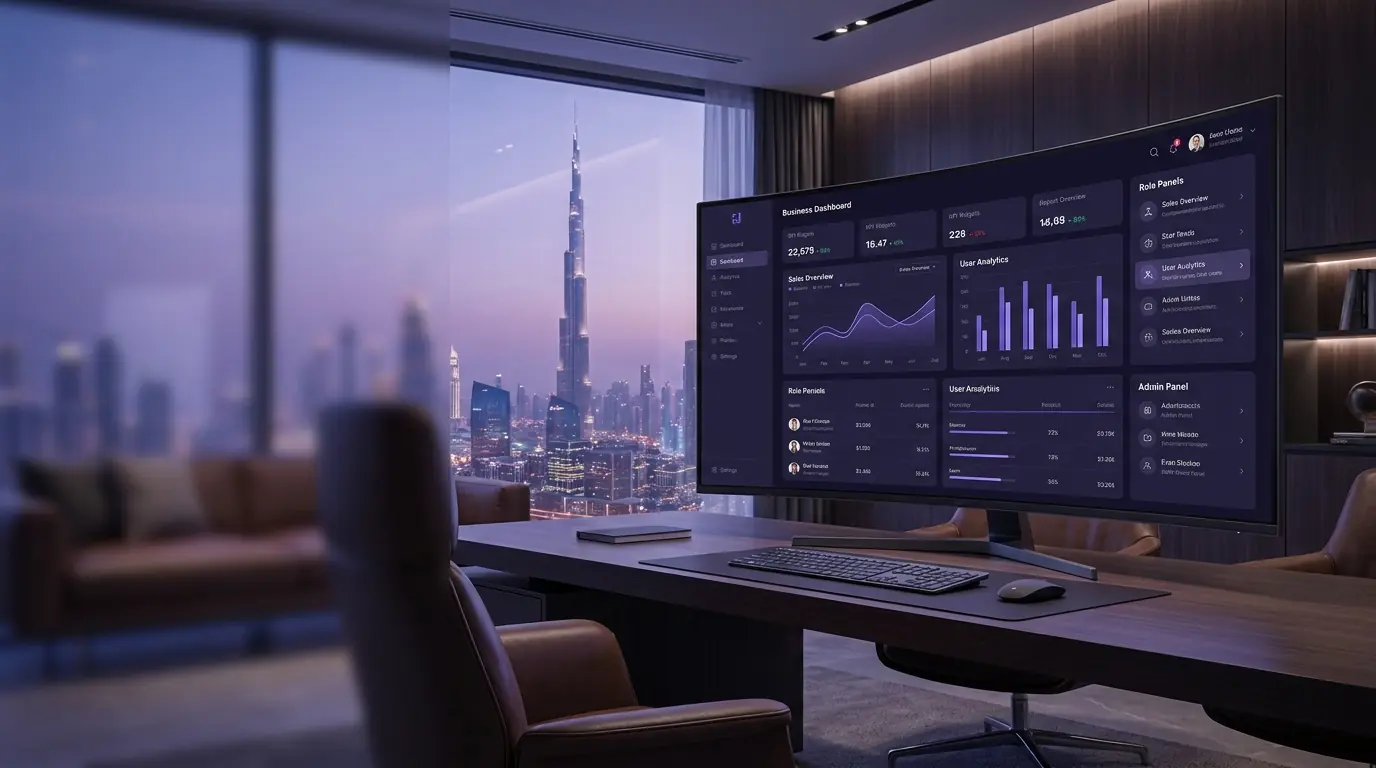
Good business dashboard development in Dubai starts with a discovery conversation, not a design file. If we can't name the decisions the dashboard supports, we're not ready to build it.
What to Define First: Roles, Decisions, Data Sources, Cadence
Before I open my editor, I lock down four things with the client. This planning stage is where a project is won or lost.
1. Roles and Access
Who logs in, and what should each person see? A managing director doesn't need row-level operational detail; a team lead doesn't need company-wide payroll. Defining roles early shapes the whole permissions model and stops the "everyone sees everything" mess that kills adoption.
2. The Decisions Behind Each Metric
For every proposed widget I ask: "What will you do differently when this number moves?" If the answer is vague, the widget gets cut. A business intelligence dashboard should be a decision instrument, not a wallpaper of KPIs.
3. Data Sources and Their Truth
We map every source: the accounting system, the CRM, the POS, spreadsheets, third-party APIs. For each, I note who owns it, how clean it is, and how often it updates. This is usually where clients realise that two "official" numbers disagree — and fixing that is half the value of the project.
4. Real-Time vs Daily Cadence
Not everything needs to be live. Real-time streaming adds cost and complexity, so I reserve it for genuinely time-sensitive metrics — live orders, system health, on-the-floor operations. Financial summaries and trend reports are usually fine refreshed hourly or nightly. Matching cadence to need keeps the build lean and the hosting bill sane.
Why Laravel and React Fit This Job So Well
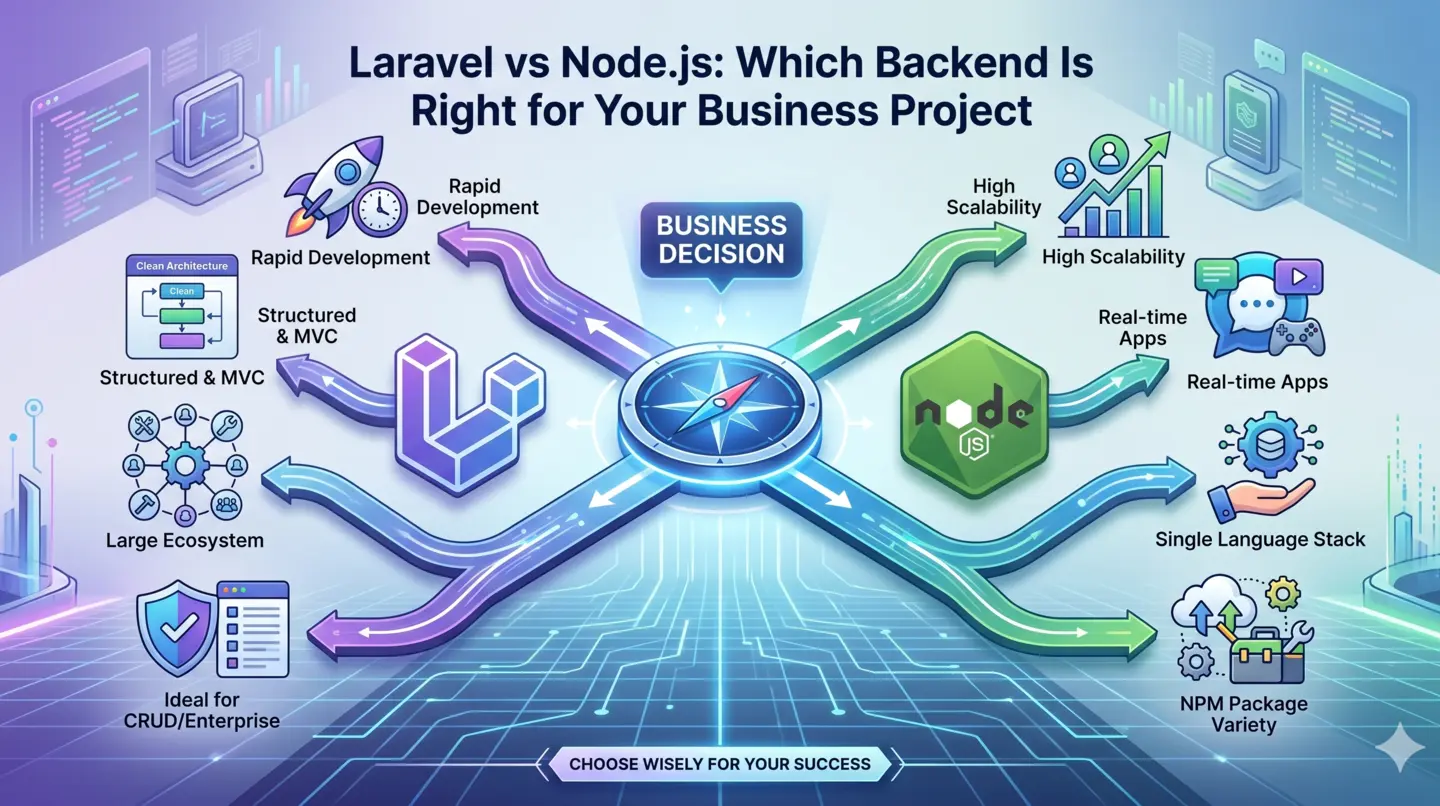
I've built admin tools in several stacks, and for a Laravel React dashboard the combination is hard to beat for UAE small and mid-sized businesses. Here's my honest reasoning.
Laravel on the back end gives me batteries-included authentication, an expressive query layer through Eloquent, a mature queue system for background jobs, task scheduling for nightly aggregations, and Sanctum for clean API token auth. When a client needs an integration with a local payment gateway or a government e-invoicing endpoint, Laravel's ecosystem and readable code make that fast to deliver and easy for the next developer to maintain.
React on the front end gives me a component model that maps neatly onto a dashboard: reusable chart cards, filter bars, and data tables. With a charting library and a solid data-fetching layer, I can build views that feel instant, update without full page reloads, and stay responsive on a phone in a warehouse or a laptop in a boardroom.
Together they let me ship a maintainable product rather than a one-off script. That matters when this tool has to run the business for years, not weeks. For teams weighing this against off-the-shelf software, I usually frame it as part of a bigger shift — moving from spreadsheets to a custom system that grows with them instead of fighting them.
The Features That Actually Earn Their Keep
Every proposal for admin panel development in Dubai tends to include a wish list. These are the features I consider non-negotiable, because they're the ones that make a dashboard trustworthy and used.
Authentication and Role-Based Access
Secure login with multi-factor where it's warranted, and granular roles so each user sees exactly their slice. Laravel policies plus a permissions layer let me define this cleanly, and React gates the UI to match. Get this right and the dashboard becomes something people trust with sensitive numbers.
Charts and Visualisation
Line, bar, and donut charts for trends and composition; sparklines for at-a-glance movement; heatmaps where density tells the story. The rule I follow: every chart must be readable in three seconds. If it needs a legend the size of a paragraph, it's the wrong chart.
Filters and Drill-Downs
Date ranges, branch, product category, sales rep — the filters that let one screen serve many questions. Drill-downs matter too: click a summary number and see the underlying rows. This is what turns a static report into an investigation tool.
Exports
People still live in Excel and PDF, and that's fine. Clean CSV, XLSX, and PDF exports respect that reality and reduce resistance to adoption. Laravel's export packages make this reliable.
Alerts and Thresholds
A dashboard nobody opens is worthless. Threshold alerts — email, in-app, or WhatsApp for the UAE market — push the important moments to people instead of waiting for them to log in. "Stock below reorder point," "revenue down 15% week on week," "server latency spiking."
Audit Trail
Who changed what, and when. For any business intelligence dashboard touching finance or compliance, an immutable audit log isn't optional. It's also the first thing that saves you in a dispute about "the number was different yesterday."
Integrations: Where the Real Data Lives
A dashboard is only as good as the systems it connects to. In UAE projects the common integrations I build are:
Accounting and ERP — QuickBooks, Zoho Books, Tally, or a bespoke ERP, for revenue, expenses, and cash position.
CRM — HubSpot, Zoho CRM, or Salesforce, for pipeline, deals, and customer activity.
Payment gateways — Telr, Network International, Stripe, and increasingly PayPal and Klarna, for live transaction and settlement data.
POS and inventory — for retail and F&B clients who need live floor numbers.
Government and e-invoicing endpoints — for VAT-compliant reporting as UAE regulations evolve.
I wrap each integration behind a service layer in Laravel, so if a provider changes its API or the client switches vendors, I swap one adapter instead of rewriting the dashboard. This same discipline carries across borders — the pattern is nearly identical to customer portal development for UK service firms, where clean integration boundaries decide whether a system ages well.
Cost and Timeline Factors
Clients always ask two questions first: how much, and how long. Honestly, both depend on decisions we make together, not on a fixed menu. Here's what actually drives the numbers.
Number of data sources and their quality. One clean database is fast. Five messy sources that disagree with each other is where the real work — and cost — lives.
Real-time requirements. Live streaming needs websockets, careful caching, and more robust hosting. Nightly batch reporting is far cheaper.
Number of distinct roles and views. Each role is effectively its own mini product with its own testing.
Integration complexity. A documented REST API is a day; a legacy system with no API and a lock on the database is a project of its own.
Compliance and audit needs. Finance-grade audit trails and access controls add scope but protect the client.
As a rough guide from my UAE work, a focused single-role dashboard on a clean data source can land in two to three weeks. A multi-role business intelligence dashboard pulling from several integrated systems with alerts and audit logging is typically a six-to-ten week engagement. I always phase delivery — a usable version one in weeks, not a big-bang launch in months.
Common Mistakes to Avoid
Building for the demo, not the day-to-day. Impressive on launch day, ignored by week three. Design for the boring, repeated workflow.
Over-engineering real-time. Streaming everything when nightly would do burns budget and adds fragility.
Skipping mobile. UAE managers check numbers on their phones between meetings. A desktop-only dashboard loses half its usage.
No single source of truth. If the dashboard and the accounts team disagree, people trust neither. Reconcile the data model before you visualise it.
Ignoring who maintains it later. Clean, documented Laravel and React code means the client isn't hostage to one developer.
A Real Example: Dashboard for a Dubai Retail Group
One of my clearer projects was a multi-branch retail group in Dubai running five outlets on a POS system, their finances in an accounting platform, and everything else in a maze of spreadsheets. Head office was rebuilding the same weekly report by hand, and by the time it was ready the week was over.
We scoped three roles: the owner (group-wide revenue, margin, and cash), branch managers (their own store's sales, stock, and staff performance), and the finance lead (consolidated numbers with export and audit trail). Sales data refreshed hourly; financial summaries ran nightly. I built the API and integrations in Laravel, the interface in React, added reorder-point alerts over WhatsApp, and clean XLSX exports for the accountant.
The outcome that mattered wasn't the charts. It was that the owner stopped waiting until Friday to find out a branch was underperforming — the reorder alerts alone cut stockouts noticeably in the first two months. That's what good business dashboard development in Dubai should deliver: not prettier reports, but faster, better decisions.
Key Takeaways
Plan before you code. Define roles, the decisions behind each metric, data sources, and refresh cadence first — that's where dashboards succeed or fail.
Laravel and React give you a maintainable, integration-friendly stack that lasts years, not weeks.
Prioritise trust features: role-based access, exports, alerts, and an audit trail beat flashy visuals.
Match cadence to need — real-time only where it changes a decision; nightly is often enough and far cheaper.
Phase delivery so the client gets a usable tool early and you refine from real use.
Frequently Asked Questions
How much does business dashboard development in Dubai cost?
It depends on data sources, number of roles, real-time needs, and integrations. A single-role dashboard on clean data can be a two-to-three week engagement, while a multi-source business intelligence dashboard with alerts and audit trails is typically six to ten weeks. I always scope after a discovery call rather than quoting a blind fixed price.
Why choose a Laravel React dashboard over off-the-shelf BI tools?
Off-the-shelf tools are great until you need custom logic, tight integration with local UAE systems, or full control over data and access. A custom Laravel React dashboard fits your exact workflow, integrates with your specific tools, and avoids per-seat licensing that scales badly as your team grows.
Can the dashboard show real-time data?
Yes, for metrics that genuinely need it — live orders, system health, floor operations — using websockets and careful caching. For most financial and trend reporting, hourly or nightly refresh is more cost-effective and just as useful, so I match the cadence to each metric.
How do you handle user roles and permissions?
I use Laravel's policy and permission layers on the back end and gate the React UI to match, so each role sees only its relevant data. This is defined during planning, because access control shapes the whole architecture and is central to good admin panel development in Dubai.
Which systems can you integrate with?
Common integrations include accounting and ERP platforms, CRMs, payment gateways such as Telr and Network International, POS and inventory systems, and government e-invoicing endpoints. Each is wrapped behind a service layer so vendors can be swapped without rebuilding the dashboard.
Will I be able to maintain it after launch?
Yes. I write clean, documented Laravel and React code and hand over the repository, so you're never locked to a single developer. I can also provide ongoing support, but the point of custom work is that it stays yours.
Conclusion
A dashboard isn't a screen full of charts — it's a decision engine for your business. The projects that succeed are the ones where we invest in planning, respect the data, and build only the features that change what people do. As a freelance full-stack developer in Dubai, that's the standard I hold every build to, whether it's a lean single-role tool or a full business intelligence dashboard tying five systems together.
If you're a UAE business drowning in spreadsheets and stale reports, and you want a custom dashboard developer in the UAE who starts with your decisions rather than your data, let's talk. Tell me the numbers you wish you had at a glance, and I'll show you how a Laravel and React dashboard can put them there. Get in touch to scope your project.
Practical checklist
Plan before you code. Define roles, the decisions behind each metric, data sources, and refresh cadence first — that's where dashboards succeed or fail.
Laravel and React give you a maintainable, integration-friendly stack that lasts years, not weeks.
Prioritise trust features: role-based access, exports, alerts, and an audit trail beat flashy visuals.
Match cadence to need — real-time only where it changes a decision; nightly is often enough and far cheaper.
Phase delivery so the client gets a usable tool early and you refine from real use.
How to turn this into a real project decision
Start by writing the business problem in one line. For example: the website is slow, the Shopify product page is confusing, the WordPress site does not generate quality leads, or the Laravel dashboard cannot support the workflow anymore. A clear problem statement makes the technical decision easier.
Next, separate the requirement into user experience, backend logic, SEO, speed, integrations and content. This prevents the common mistake of redesigning a page when the real issue is data structure, plugin conflict, weak copy, poor mobile UX or missing automation.
For Dubai, UAE and international clients, the strongest web solution is usually the one that improves trust, reduces manual work, loads fast on mobile and gives visitors a clear reason to contact the business. That is the standard I use when planning Laravel, WordPress, Shopify, ecommerce, dashboard and SEO-focused work.
FAQs
What should a business dashboard show first?
A good dashboard should show the few metrics that drive decisions for each role. Start with the decision, data owner, refresh cadence and action needed before adding charts.
Why use Laravel and React for dashboards?
Laravel works well for secure APIs, roles, queues and integrations, while React is strong for fast interactive interfaces. Together they suit custom dashboards that need reliability and a polished user experience.
How much does a custom dashboard cost in Dubai?
Cost depends on data sources, roles, reports, integrations and real-time needs. A focused internal dashboard costs far less than a full multi-department platform with complex permissions and automation.
Can an existing spreadsheet become a dashboard?
Yes. Many dashboard projects start by cleaning spreadsheet data, defining a reliable source of truth, then replacing manual exports with automated database/API feeds.
Ready to discuss this?
Send your website URL, platform, issue and goal — I'll reply with a practical direction within 4 hours. Free 20-min discovery call available.
Message on WhatsApp — Free 20-min callRelated service
Looking for hands-on help with this?
Dashboard Development DubaiRelated services
Need help applying this to your project?

Anas Tanveer
Full-Stack Developer in Dubai with 7+ years in Laravel, WordPress, Shopify, business dashboards, APIs, and SEO-ready web systems.
View profile