

Practical overview
Many businesses start with a plugin because it looks fast, cheap and easy. That decision works for simple forms, simple content and simple website features. It becomes risky when the same plugin stack starts controlling payments, users, permissions, reports, dashboards or operational data.
Laravel is not always the first answer. It is the right answer when the business needs control, security, custom workflows and a system that can keep improving without breaking every time a plugin updates.
The real problem is usually workflow control
Plugins are useful when the requirement is common and low-risk. They become a problem when the business needs custom roles, approvals, dashboards, payment logic, API integrations or reporting that must work exactly one way.
Laravel is the better choice when the website is no longer only a marketing page. If the platform needs to manage records, users, data, staff actions or business rules, custom application structure becomes safer than forcing plugins to behave like an ERP.
When Laravel is the practical choice
Choose Laravel for customer portals, admin panels, CRM modules, ERP workflows, trading tools, booking logic, subscription systems, custom dashboards and integrations with third-party services.
The benefit is not only code control. A clean Laravel build gives the business clearer data, fewer plugin conflicts, stronger security boundaries and a platform that can grow without rebuilding from zero.
How I approach this decision
I first check the workflow, users, data structure, integrations, budget and future scale. If WordPress or Shopify can solve it safely, I do not force Laravel. If the requirement is operational and custom, Laravel usually protects the business better.
The goal is to choose the simplest reliable solution, not the most complicated stack.
Plugin websites become expensive when the workflow is custom
A plugin is built for a general market. Your business process is usually more specific. When a team begins adding one plugin for roles, another for reports, another for forms, another for API connections and another for dashboards, the website becomes harder to maintain than a custom application.
This is where many WordPress and ecommerce projects slow down. The frontend may still look acceptable, but the admin workflow becomes confusing, data is duplicated, and every small change needs testing across multiple plugin settings.
For UAE companies, agencies and growing businesses, the practical question is simple: is this feature a normal website feature, or is it part of how the business operates every day?
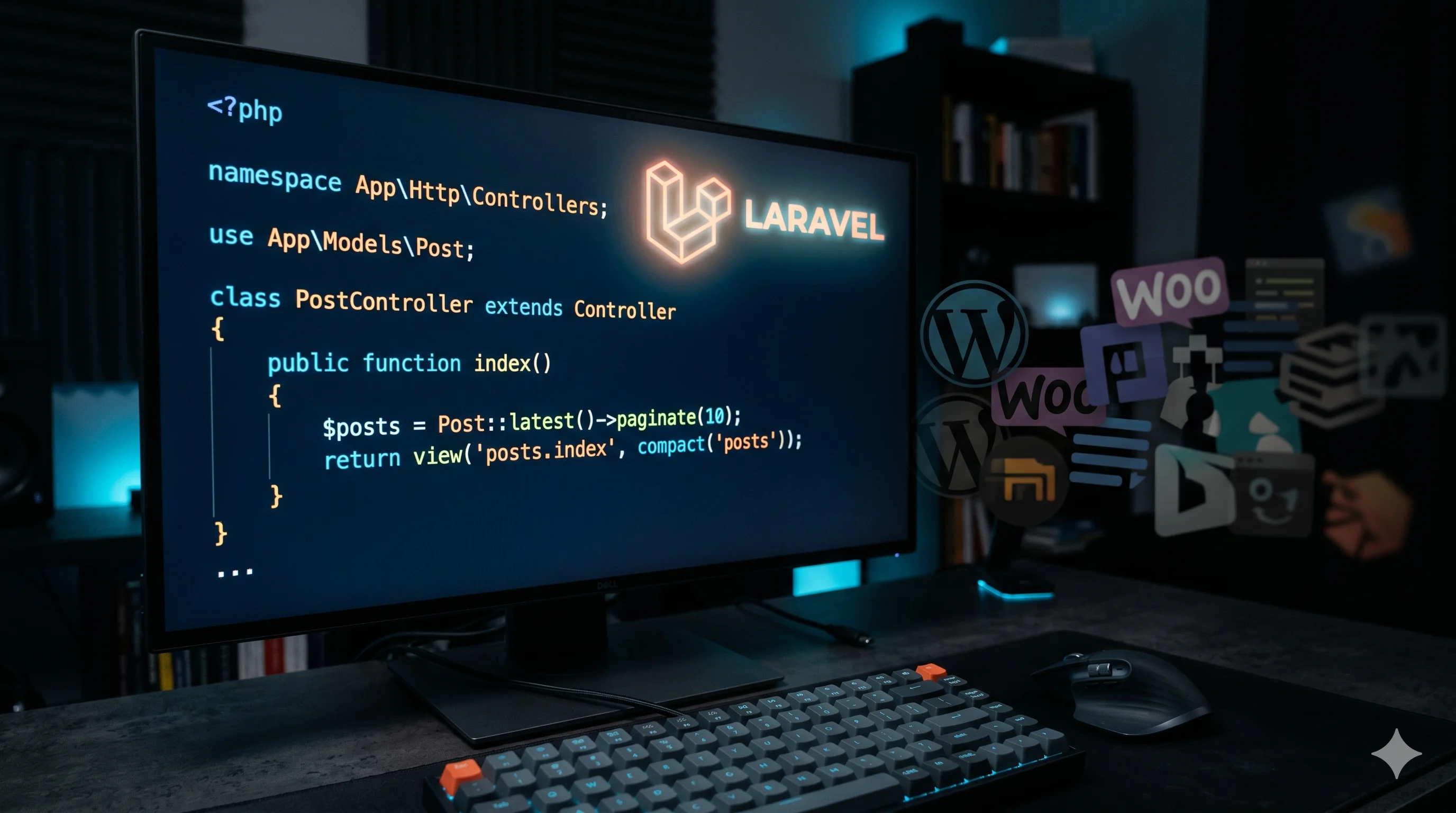
Laravel is better for business logic, roles and long-term control
Laravel gives a clean structure for users, permissions, database tables, queues, email notifications, reports, API endpoints, admin dashboards and integrations. That structure matters when the platform is not just publishing content but running part of the business.
A custom Laravel application can be planned around the exact business workflow: who can create records, who approves them, which data appears in reports, what happens when a payment succeeds, and how the admin team should manage the process.
This makes Laravel a strong choice for dashboards, ERP modules, CRM systems, trading platforms, service portals, booking systems, SaaS products and internal automation tools.
The strongest build is the one that chooses the right stack early
A serious web project should not start with a technology preference only. It should start with business intent: lead generation, ecommerce conversion, operational automation, customer portal access, reporting clarity or internal productivity.
If the business needs pages, blogs, SEO content and quick marketing control, WordPress may be the better choice. If the business needs custom records, financial logic, dashboards, user roles and API integrations, Laravel usually protects the project better.
The best developer decision is not always the most advanced stack. It is the stack that solves the problem with the least future risk.
How a Laravel project should be planned before development
A Laravel project should begin with a workflow map, not a blank code editor. The important questions are: who uses the system, what data is created, what needs approval, what reports matter, what integrations are required and what must stay secure.
From there, the database, permissions, modules, API structure and admin interface can be designed around real usage. This prevents the common mistake of building screens first and discovering the logic later.
For clients, this planning creates more confidence because the project feels like a business system, not only a website.
Practical checklist
Choose Laravel when data, roles, reports or workflows are business-critical.
Avoid forcing plugins to behave like ERP, CRM or custom dashboard software.
Plan database structure, permissions, APIs and admin workflows before UI polishing.
Keep WordPress for content-heavy marketing pages when it is the simpler reliable solution.
Use Laravel when long-term maintainability matters more than quick plugin installation.
How to turn this into a real project decision
Start by writing the business problem in one line. For example: the website is slow, the Shopify product page is confusing, the WordPress site does not generate quality leads, or the Laravel dashboard cannot support the workflow anymore. A clear problem statement makes the technical decision easier.
Next, separate the requirement into user experience, backend logic, SEO, speed, integrations and content. This prevents the common mistake of redesigning a page when the real issue is data structure, plugin conflict, weak copy, poor mobile UX or missing automation.
For Dubai, UAE and international clients, the strongest web solution is usually the one that improves trust, reduces manual work, loads fast on mobile and gives visitors a clear reason to contact the business. That is the standard I use when planning Laravel, WordPress, Shopify, ecommerce, dashboard and SEO-focused work.
FAQs
Is Laravel better than WordPress for every business website?
No. WordPress is often better for content, blogs, landing pages and marketing sites. Laravel is better when the project needs custom logic, dashboards, portals, permissions, reports or integrations.
When should a Dubai business hire a Laravel developer?
Hire a Laravel developer when your website needs to become a business system: admin panels, ERP workflows, CRM records, payment logic, APIs, customer portals or internal automation.
Can Laravel and WordPress work together?
Yes. A business can use WordPress for marketing pages and Laravel for the secure platform or dashboard behind the business.
Ready to discuss this?
Send your website URL, platform, issue and goal — I'll reply with a practical direction within 4 hours. Free 20-min discovery call available.
Message on WhatsApp — Free 20-min callRelated service
Looking for hands-on help with this?
Laravel Developer DubaiRelated services
Need help applying this to your project?

Anas Tanveer
Full-Stack Developer in Dubai with 7+ years in Laravel, WordPress, Shopify, business dashboards, APIs, and SEO-ready web systems.
View profile